
Gallery and mockup zone
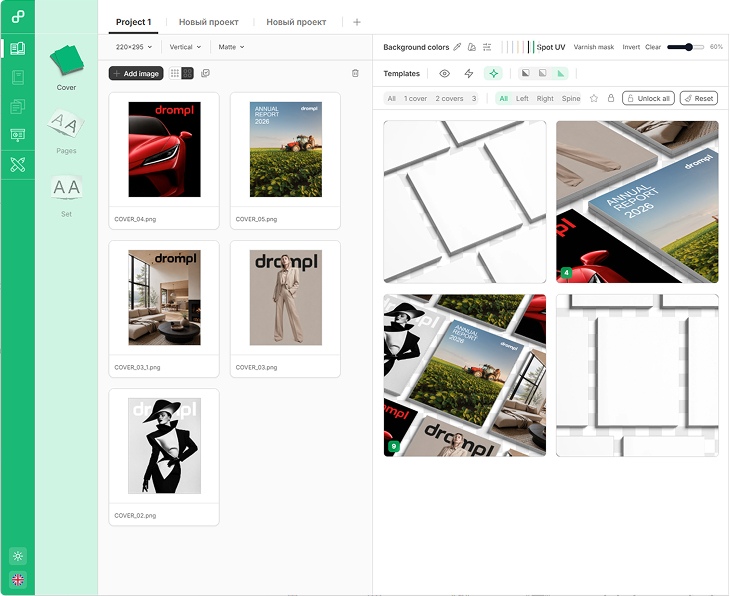
Keep source covers and mockup templates side by side. Drag artwork into a scene and preview the result instantly.
 beta
beta
Browser-based mockups for reports, presentations, magazines and books.
Fully premade. Zero AI flaws.
Wrap · Auto sizes · Custom size
Upload the whole cover in one file — back, spine and front. Tell Drompl what’s in it, then fit, move and snap each panel right on the mockup. Apply to one scene or to all of them.
What’s in the file
Drop covers of different proportions onto one scene. Each one gets the closest-fitting size that scene comes in, you see how close before export, and the whole group lands in the queue in one move.
Your size isn’t in the list? Type the width and height in mm or inches. Drompl picks the closest ready-made render by proportions and shows how close it is. Too far off — send us a size request.
+ Separate Alpha shadow









+ Transparent background
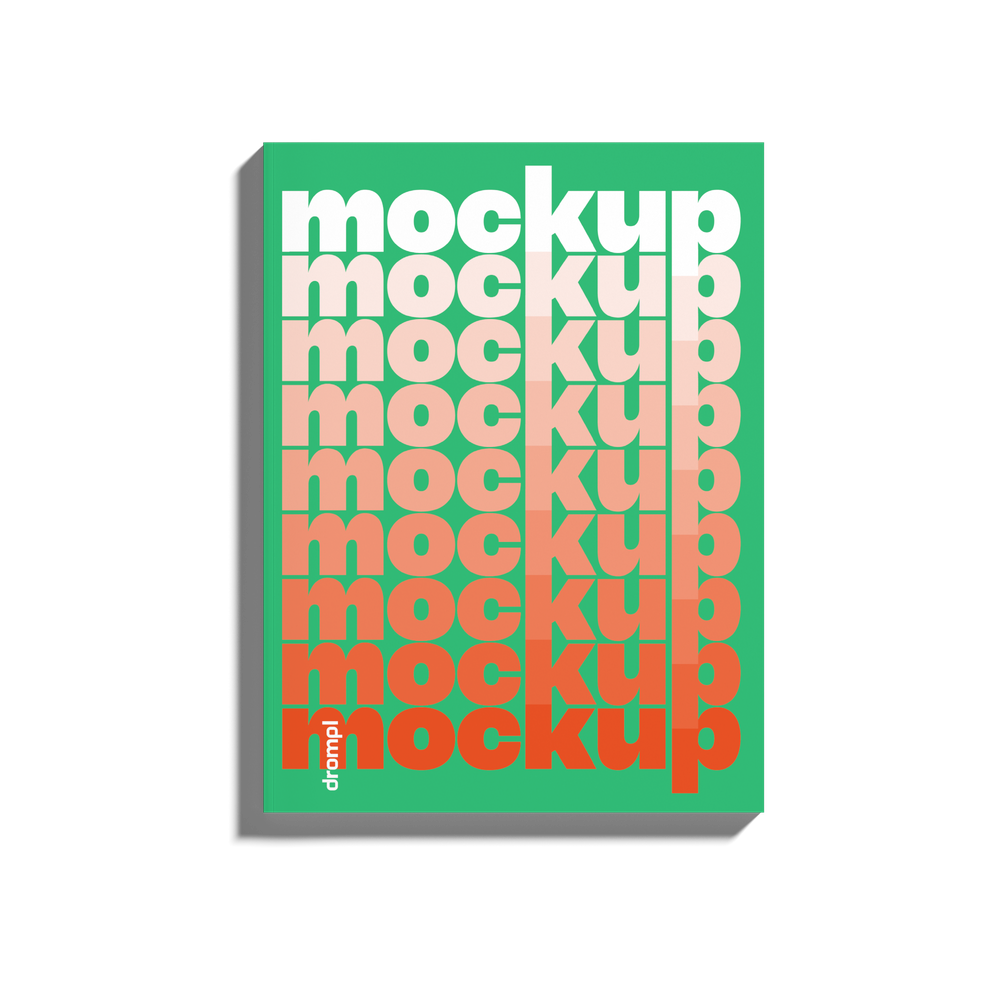
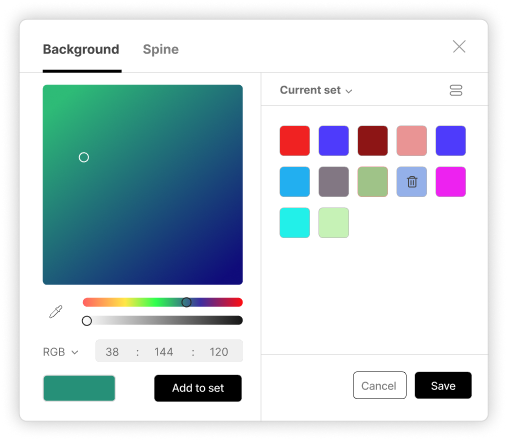
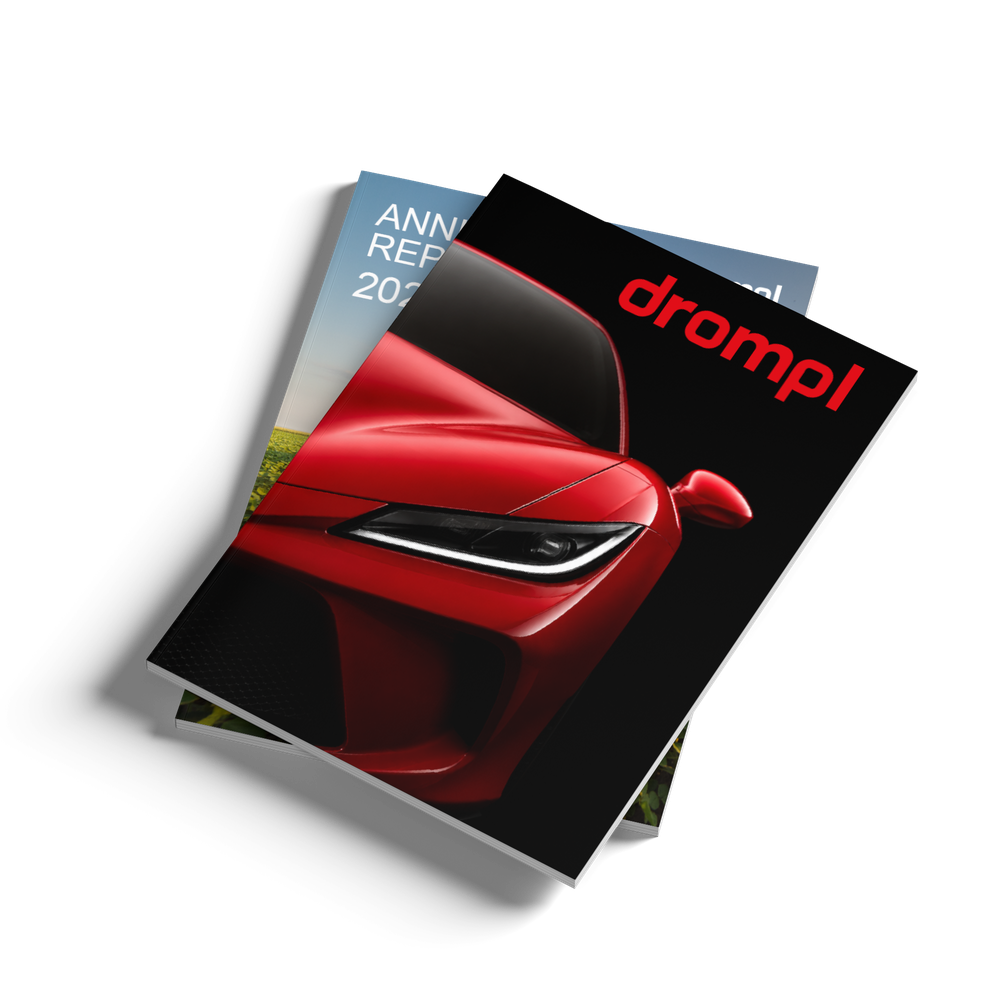
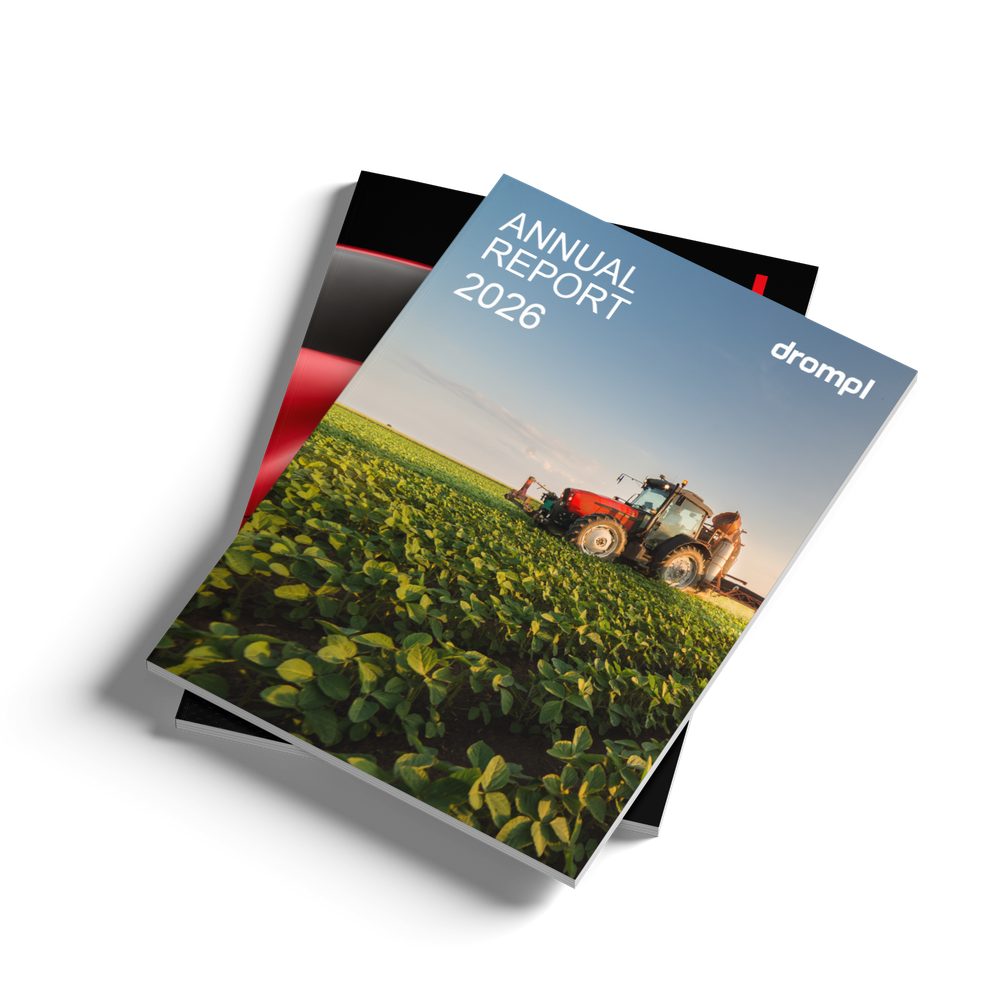
Stack several covers in one mockup and preview the layer order before export.
+ ZIP batch package
Export formats
Keep source covers and mockup templates side by side. Drag artwork into a scene and preview the result instantly.
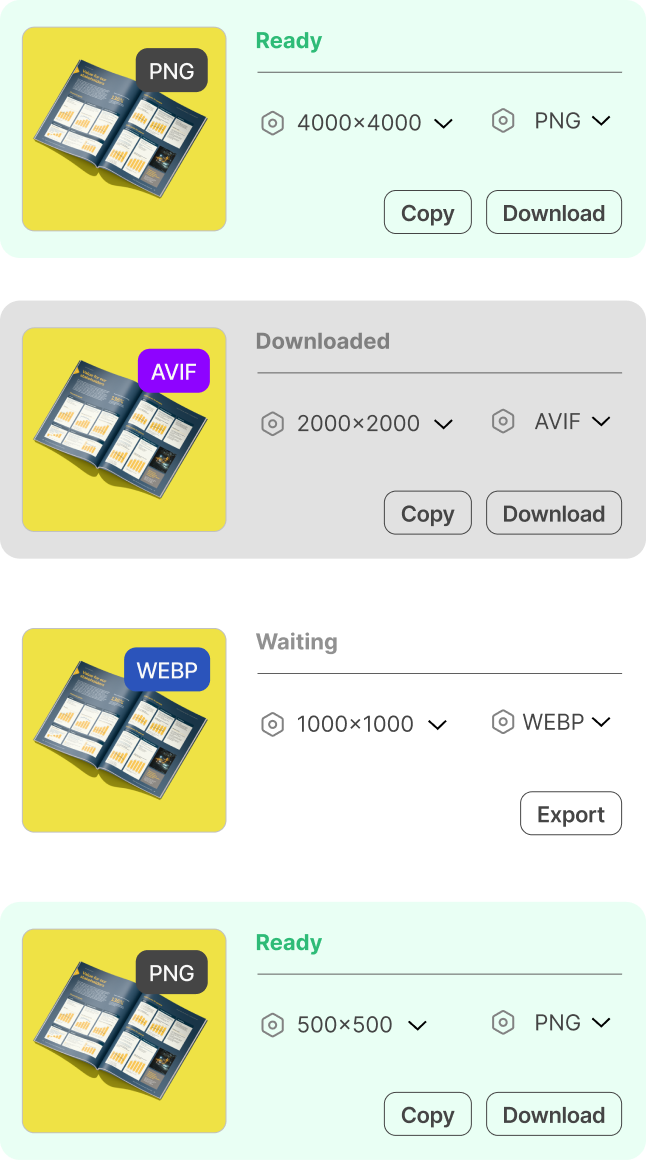
Track every render, change format or resolution, then copy or download finished files.
Start with a one-time pack for a single project, or choose a subscription for regular studio work. Paid exports are coming after the open beta.
Taxes included where customary. Taxes may be added at checkout in tax-exclusive regions. Local currency and final total are confirmed by Paddle.
Prices shown in EUR.
Get 64 free render credits to start creating. Credits don’t expire.
Create free accountAlready have an account? Sign in
Drompl is live in free open beta. Magazines, reports, presentations and book mockups are ready to use today, and the library keeps growing. Paid plans are coming after beta.
During the beta, we can’t guarantee that yet. We’re still refining mockups, including lighting, shadows, camera angle, and object placement, and a template may be improved or retired. Two covers generated weeks apart may differ slightly. What never changes: every file you have already exported stays exactly as you downloaded it. It is yours, forever. Need a consistent set? Generate the whole batch in one session.
Yes. You may use exported mockup images in client presentations, portfolios, marketing materials, client work, websites, social media, advertisements, and publications.
However, you may not resell, redistribute, package, or offer the exports as mockup templates, PSD/Figma/Canva files, design assets, mockup packs, stock assets, asset libraries, or any product where the mockup itself is the main value. Resale and template-production use is not available during the beta period.
During beta, exports are limited to 2000×2000 px. See the Terms of Service.
No. Drompl is a browser-based mockup tool, not a pack of downloadable PSD or template files. You upload your pages, choose a crafted scene, and export the finished result directly from the web.
No. Drompl runs in the browser, so you can upload pages, choose a scene, and export polished mockups without using Adobe Photoshop software.
No. Scenes are human-crafted and rendered with controlled lighting, shadows, and materials. No AI-generated results. You upload your own artwork; Drompl places it into the scene exactly as designed.