Common KDP trim sizes
Paperback scenes from 5 × 8 in up to 8.5 × 11 in, plus A5 and A4.
 beta
beta
For independent authors & publishers
Your book, ready to be seen. Create realistic paperback mockups for your Amazon KDP titles, author website and social media. All in your browser.
Create a book mockupWorks entirely in your browser. Start for free.
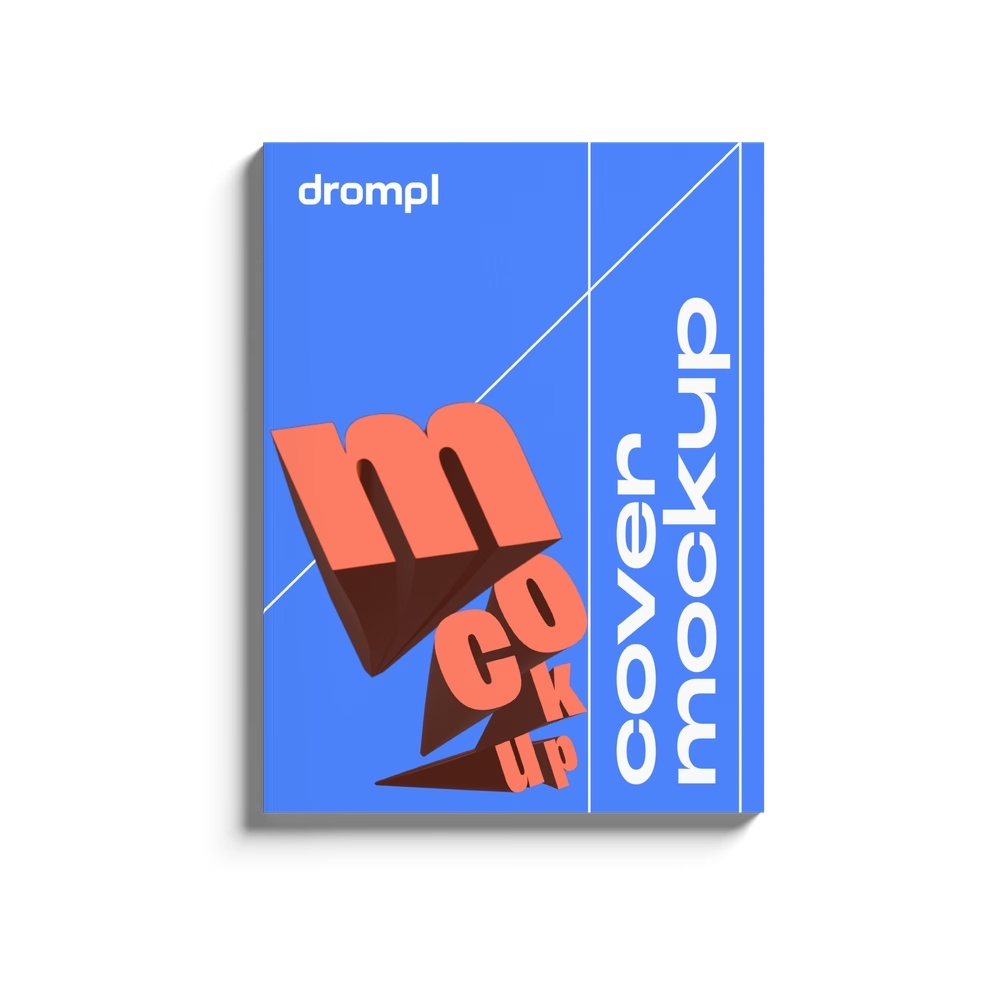
Drag your cover onto a scene and get a finished mockup.
Let the cover lead, show a spread from the inside, or bring the page and cover details into focus.
Bring your finished cover, a full wrap with spine, or interior pages.
Find a book scene and camera angle that work for your design.
Adjust the background, shadows and available finish options.
Download your finished image for your website, launch or next post.
Paperback scenes from 5 × 8 in up to 8.5 × 11 in, plus A5 and A4.
Standing, lying, top-down and open spreads for the same book.
Match your cover palette, keep it neutral, or go transparent.
Hard, medium or soft, plus a separate alpha shadow.
Pick the finish your printed book will actually have.
Match the spine to your cover when you only have the front.
During the open beta, exports go up to 2000 × 2000 px.
Bring the full-wrap cover or just the front. Drompl places it on the book, spine included, picks the closest ready-made trim size and shows how close it is.
Upload your full-wrap cover — back, spine and front in one file. Fit, move and snap each panel until the spine sits on the book’s spine, then apply it to every scene at once.
Books in a series with different trim sizes? Drop all the covers onto one scene. Each gets the closest trim size that scene comes in, and they export together.
Trim size not in the list? Enter width and height in inches or mm. Drompl picks the closest ready-made render by proportions and shows how close it is. Too far off — send us a size request.
Book images for your A+ modules. Check Amazon’s current image requirements before you upload.
Show your latest title on your home page or book page.
Consistent book images for posts, ads and cover reveals.
Visuals for launch emails, press kits and promotions.
Yes. Drompl creates marketing images from your own cover and interior artwork, for your listing, A+ Content, website and social posts. It does not prepare or validate print-ready KDP files, and any image you upload to Amazon must meet its current requirements.
No. Drompl works entirely in your browser: you upload your artwork, choose a scene, adjust it and export the finished image there. If you also work in Adobe Photoshop software, you can export a layered PSD.
Paperback scenes come in a range of common trim sizes, from 5 × 8 in up to 8.5 × 11 in, plus A5 and A4. Pick the size closest to your book so the proportions match your cover.
Yes. Choose a transparent background and export as PNG, WEBP, AVIF or PSD. JPG does not support transparency.
During the open beta, exports go up to 2000 × 2000 px.
No. Drompl is an independent mockup tool. It is not affiliated with, sponsored by or endorsed by Amazon or Kindle Direct Publishing.