Covers and spreads
Magazine cover mockups, open spreads, a page folded back, standing copies and stacks.
 beta
For designers, publishers & editorial teams
Your issue, ready to be seen. Create realistic magazine cover and spread mockups from your own design. All in your browser.
Create a magazine mockupWorks entirely in your browser. No AI-generated results.
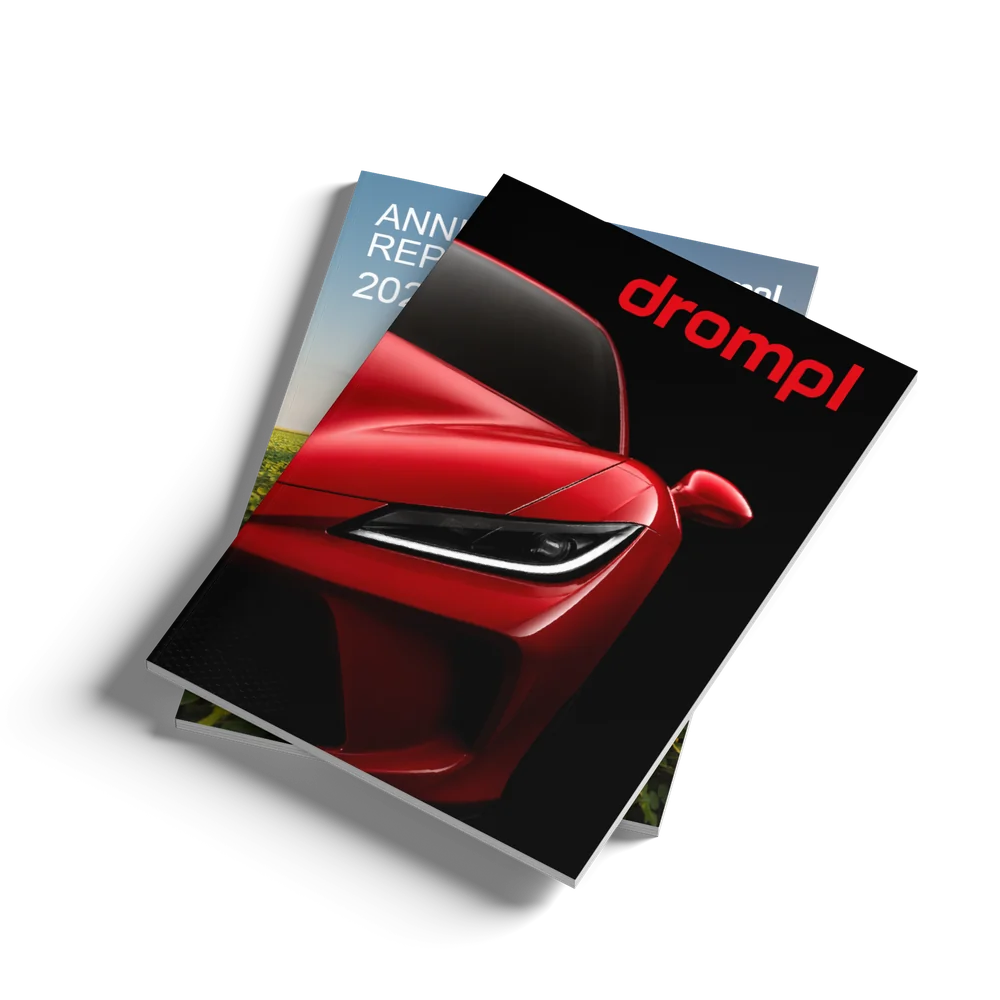
Drag your cover or pages onto a scene and get a finished magazine mockup.
Lead with the cover, open the magazine to a spread, fold it back to one page, or stack a few copies.
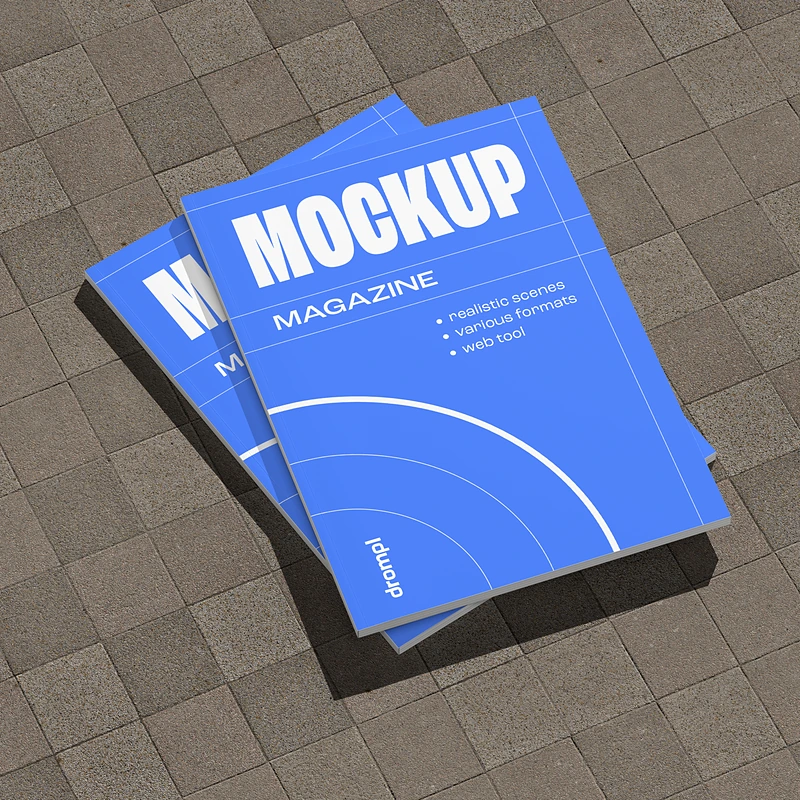
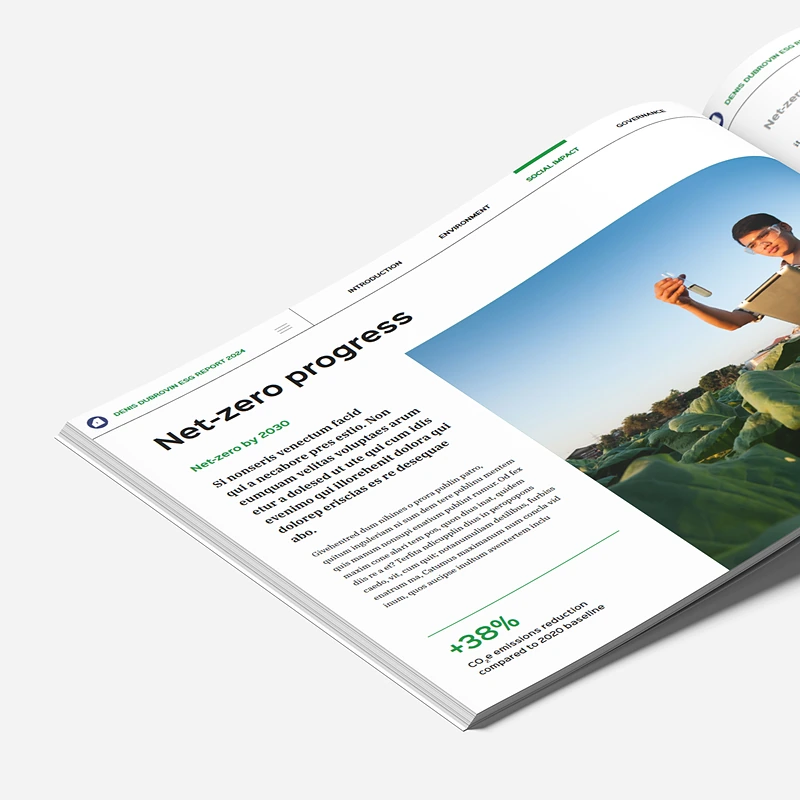
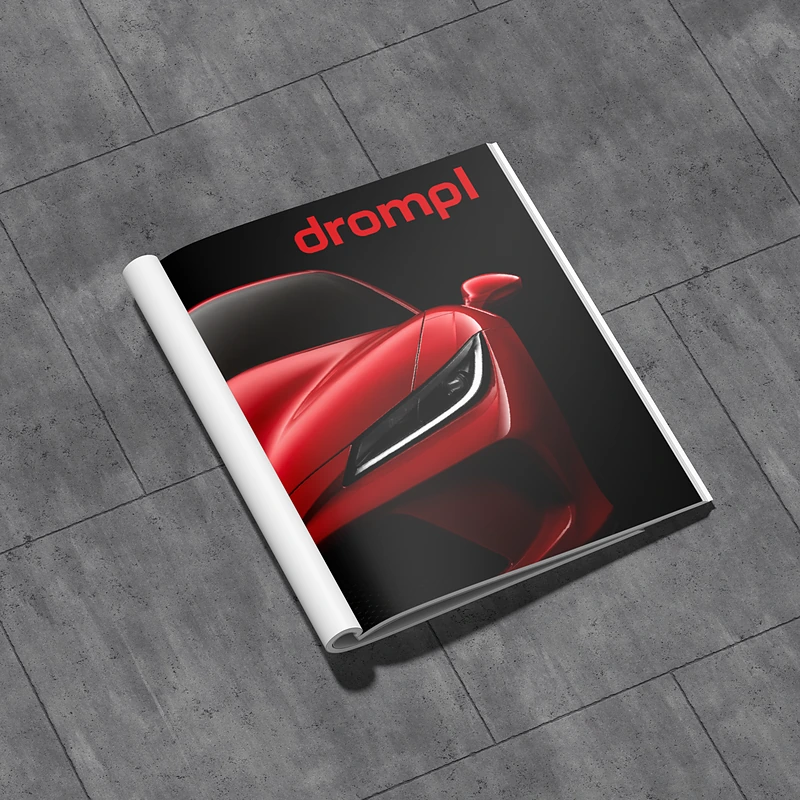
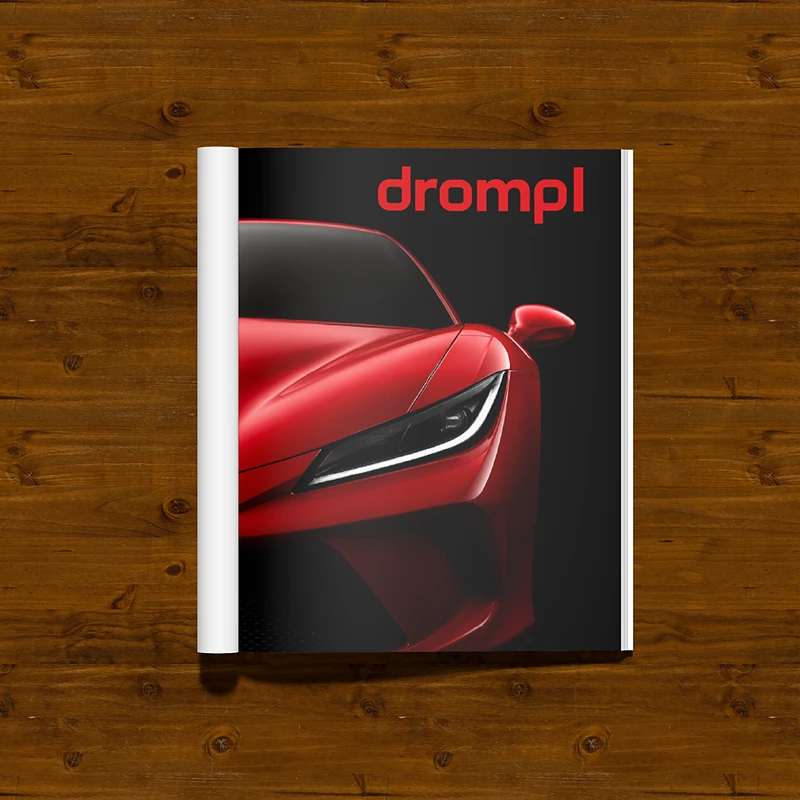
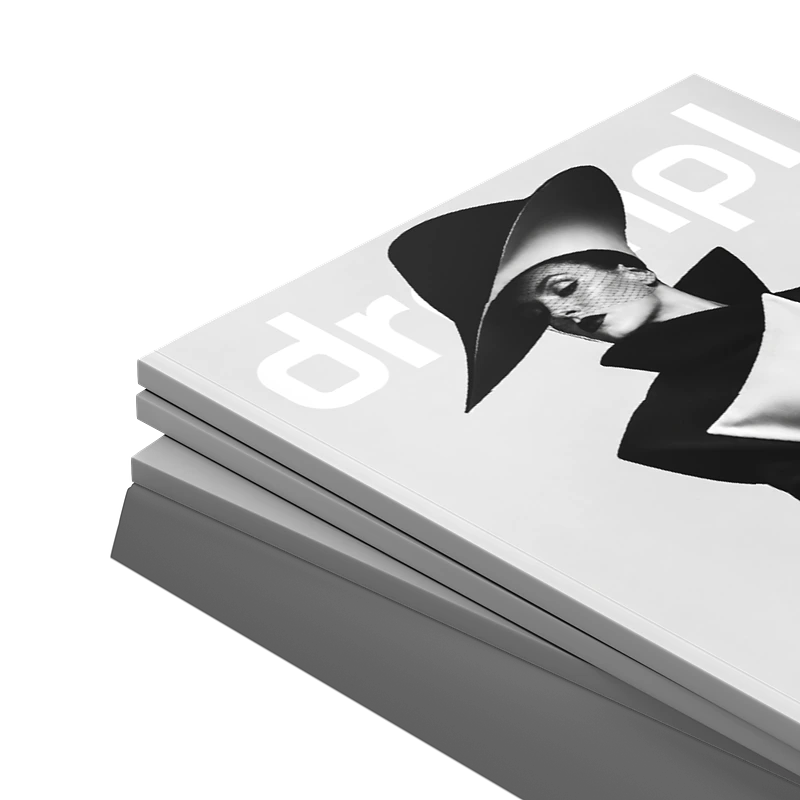
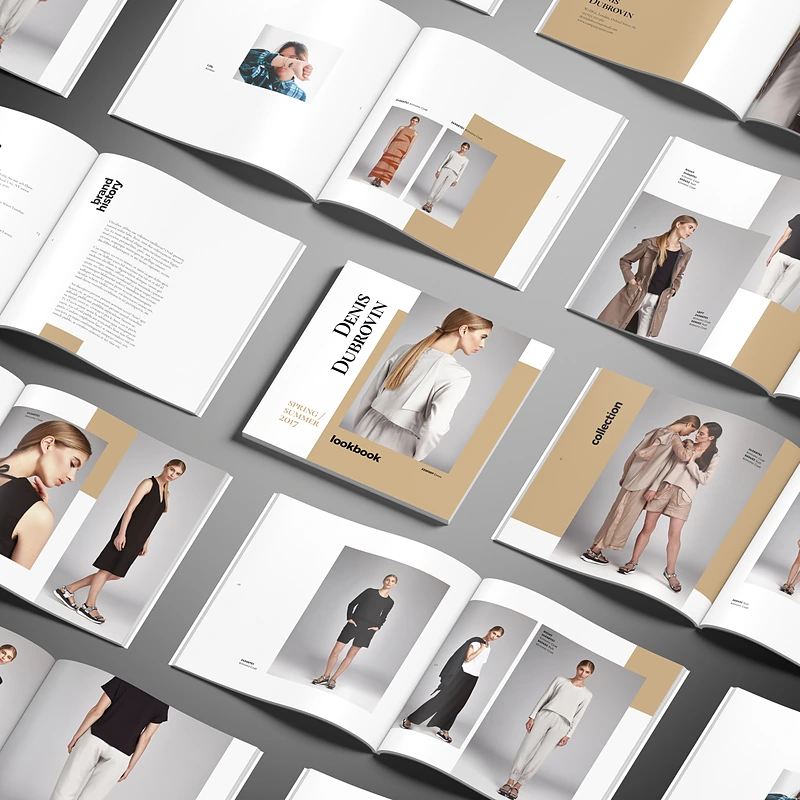
Bring your finished magazine cover or the pages of a spread.
Lying, standing, stacked, open or folded back, from several camera angles.
Adjust the background, shadows and matte or glossy paper.
Download the finished mockup for your portfolio, pitch or next post.
Magazine cover mockups, open spreads, a page folded back, standing copies and stacks.
Magazine sizes from A4 and US Letter to square and wide landscape formats.
Put several different issues in one stack and choose which one sits on top.
Match your cover palette, keep it neutral, or go transparent.
Hard, medium or soft, plus a separate alpha shadow.
Pick the paper finish your printed issue will actually have.
Magazine scenes come in the formats publishers actually print. Drop covers of different sizes onto one scene and each gets its closest fit.
Size not in the list? Enter the width and height in mm or inches. Drompl picks the closest ready-made render by proportions and shows how close it is.
Show your editorial design as a printed magazine, not a flat PDF page.
Present a new cover or layout the way readers will hold it.
Show advertisers where their page will run, in a real spread.
Cover reveals and new-issue posts for social media and newsletters.
Yes. Upload your cover for cover scenes (lying, standing, stacked or close-up) or your pages for open spread scenes, including a page folded back. Drop a design once and it fills every matching scene.
Not exactly. Drompl is a paid tool, and paid plans launch soon. During the open beta, every new account gets 10 free render credits to try exports, and you can use the editor and preview every scene for free. After the beta, exports use credits from a Project Pack or subscription.
Portrait sizes from A4 (210 × 297 mm) and US Letter (8.5 × 11 in), a square 250 × 250 mm, and landscape formats up to 373 × 210 mm. For any other size, enter the width and height and Drompl picks the closest ready-made render.
No. Every scene is a 3D render with controlled lighting, shadows and paper. Your artwork is placed exactly as designed: no warped text, no invented details.
No. Drompl works entirely in your browser: you upload your artwork, choose a scene, adjust it and export the finished image there. If you also work in Adobe Photoshop software, you can export a layered PSD.
Yes. Choose a transparent background and export as PNG, WEBP, AVIF or PSD. JPG does not support transparency.